
Managing complex enterprise workflows with privacy, integration, or scale constraints often exposes technical and resource limits in standard automation tools. Many solutions require heavy system rewrites, lack air gapped deployment, or do not support enterprise-specific integrations, forcing compromises in security or usability. This comparison details pricing, deployment, and integration tradeoffs across six workflow automation tools so enterprises can match one to their data, compliance, and deployment needs without repeating vendor pilot missteps.
Table of Contents
- Golden Path Digital
- 8Flow
- Floww.ai
- WorkflowGen
- aristaFlow BPM Software
- Pega Platform
- Comparison of alternatives
Golden Path Digital
At a Glance
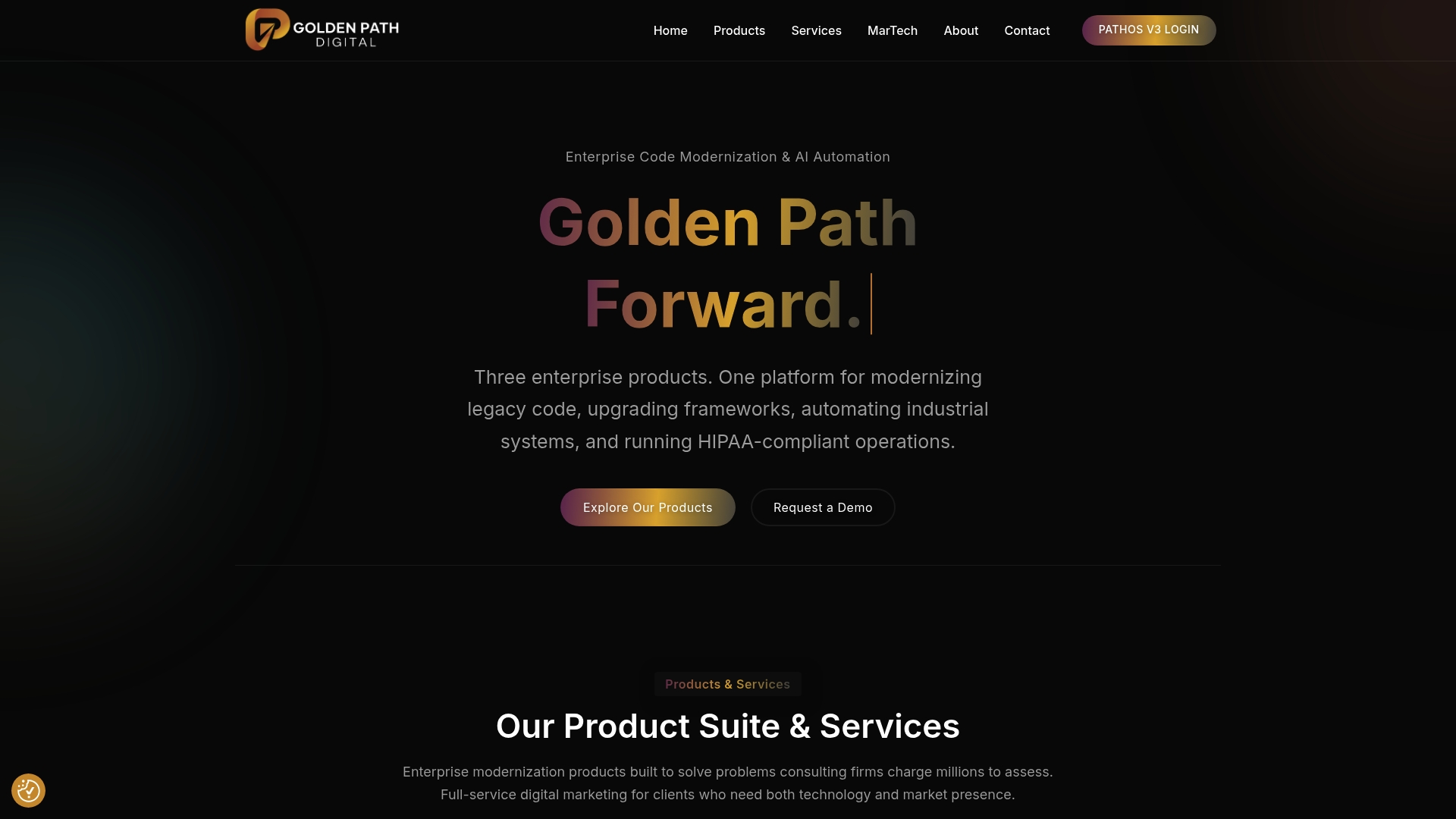
Patent pending architecture supports air gapped, model agnostic AI deployment alongside tools for legacy code modernization and marketing services. The stack targets IBM i RPG modernization, Laravel upgrades, and workflow automation while keeping data inside controlled environments. The vendor emphasizes a structured, rules based approach that builds dependency maps before applying AI.
Core Features
Goldenpathdigital bundles AS/Forward for IBM i analysis, Laravel Ascend for framework upgrades, and QuantaPath AI for CRM and workflow automation into a single offering. The company supports air gapped deployment and privacy first architectures for regulated environments, and it pairs automation tools with full service SEO, PPC, and content strategy. The product set is aimed at moving legacy code forward while keeping model choice and data control flexible.
Key Differentiator
Purpose built tools plus a patent pending architecture enable model agnostic AI inside air gapped networks with enterprise grade security. The vendor follows a rules based workflow that creates dependency maps before any automation or AI is applied. That ordering reduces unseen code risk and helps teams plan targeted refactors instead of guessing where changes will break.
Pros
The product line grew from operational needs, so features reflect real enterprise constraints and regulatory controls rather than generic templates. Support for air gapped environments makes it practical for government agencies and regulated firms to run AI without moving sensitive data off their networks. Combining modernization tools with marketing services gives teams a path from code remediation to improved visibility and reduced consulting overhead.
Cons
- Primary focus on enterprise and regulated industries limits access for smaller businesses.
Who It’s For
Enterprises and government agencies managing IBM i estates or large PHP fleets that must preserve data control will find this offering relevant. Teams that need model choice and private deployment options for AI are the intended users. Smaller companies without in house technical depth may find the scope and cost excessive.
Unique Value Proposition
Prioritizing dependency mapping before automation lets Goldenpathdigital limit blast radius when modernizing legacy systems. That sequence reduces exploratory consulting and clarifies which modules need rewriting or wrappers. Paired with private deployment options, the approach keeps sensitive data inside secured networks while allowing AI driven automation to run on a schedule rather than on a prayer.
Real World Use Case
A federal agency uses Goldenpathdigital tools to parse an IBM i RPG codebase, produce dependency maps, and stage upgrades without exporting data. The team validated modernization steps inside an air gapped environment and then deployed models that interact with CRM workflows. The approach removed guesswork and shortened the decision cycle for refactoring priorities.
Pricing
No public pricing is published for these enterprise offerings. Goldenpathdigital positions the work as tailored engagements and enterprise quotes are available on request. Expect custom pricing based on scope, deployment model, and regulatory requirements.
Website: https://goldenpathdigital.com
8Flow
At a Glance
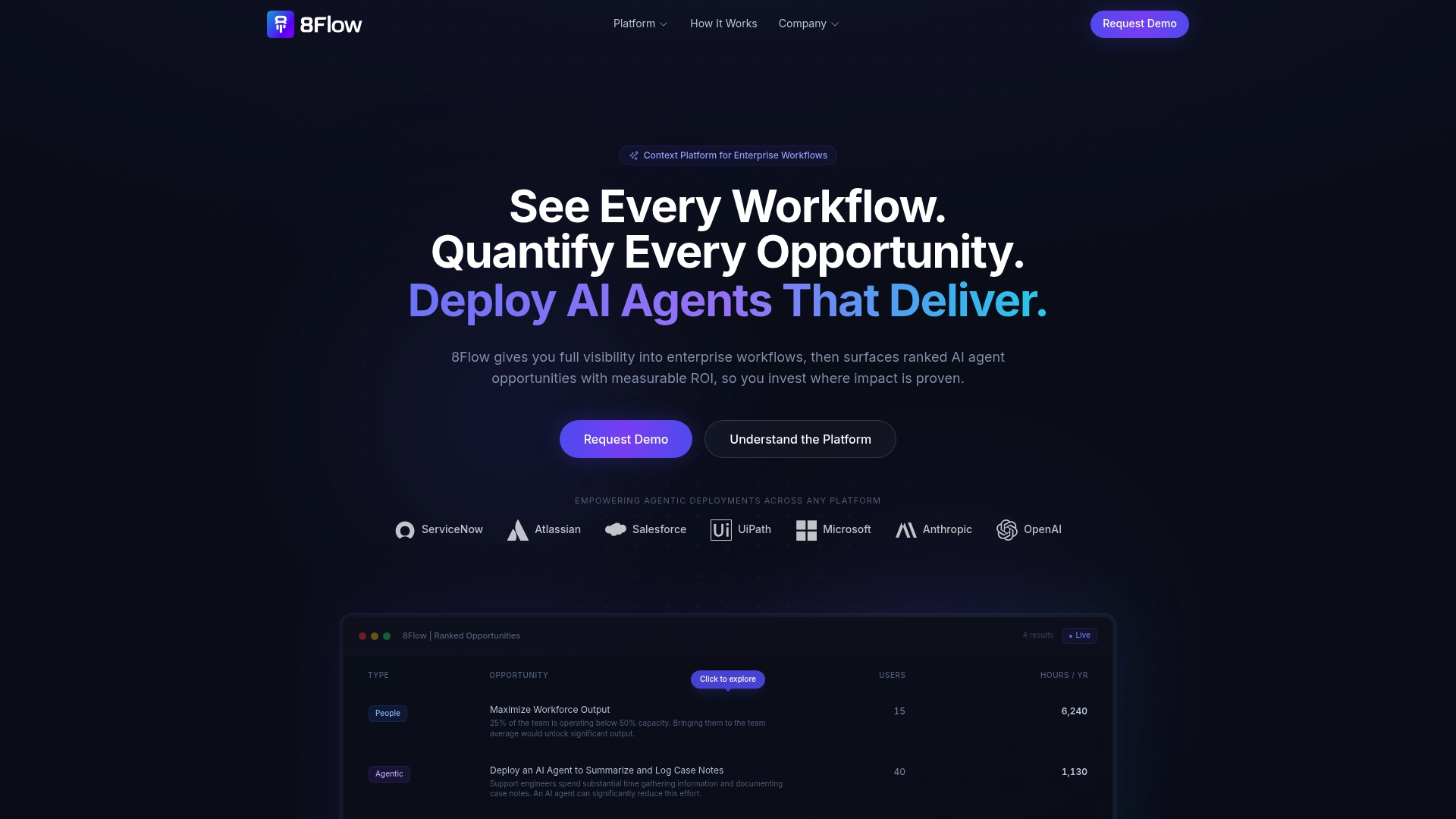
According to the company, a support deployment automated case notes and saved 1,130 hours annually. That example frames how the platform converts operational activity into ranked automation opportunities. 8Flow focuses on revealing high ROI agent use cases and delivering deployable blueprints for rapid execution.
Core Features
8Flow delivers full visibility into enterprise workflows and brings workflow context into existing ecosystems. It transforms, enriches, and contextualizes enterprise data to surface ranked AI agent opportunities across processes. The platform also ships Agentic Blueprints that package use case configurations for faster deployment.
Key Differentiator
8Flow transforms and enriches enterprise data into context-aware insights without requiring complex integrations. That approach emphasizes a semantic layer over heavy connector work. Teams keep their existing systems while gaining ranked automation candidates and clear deployment paths.
Pros
The vendor advertises a deployment to insights timeline under 48 hours, which shortens pilot cycles for IT and automation teams. The product provides a semantic layer that surfaces ranked AI agent opportunities without deep system rewrites. Broad platform support for ServiceNow, Salesforce, UiPath, Microsoft, and LLM providers lets teams orchestrate agents across existing stacks and focus on measurable ROI.
Cons
-
Relies on metadata collection that may not capture all sensitive fields or complex data patterns.
-
Unclear whether the platform can fully replace highly customized enterprise workflows without additional engineering.
-
Initial setup, while described as quick, can require familiarity with enterprise systems and vendor guidance.
When It May Not Fit
Organizations without consistent metadata or API access will struggle to generate reliable insights from 8Flow. Teams that need deep, bespoke workflow automation may still need traditional engineering or integration work. Nontechnical groups could face friction during initial configuration and should budget for vendor support.
Notable Integrations
Connects with ServiceNow, Atlassian, Salesforce, UiPath, Microsoft, Anthropic, and OpenAI to bring workflow context into those ecosystems.
Who It’s For
According to the vendor, the platform is SOC 2 Type II and HIPAA compliant. Large enterprises and IT teams that need cross platform visibility and measurable automation ROI will find the product relevant. Security conscious organizations and teams planning metric driven AI pilots will get most value from 8Flow.
Real World Use Case
A support organization deployed 8Flow to automate case note documentation, which reduced manual effort and improved process efficiency. That deployment delivered the stated time savings and the reported dollar figure. The example highlights how a focused automation blueprint can shift large volumes of routine work off human hands.
Pricing
Pricing is listed as not applicable and described as informational only by the vendor. Contact 8Flow for enterprise licensing and deployment estimates.
Website: https://8flow.ai
Floww.ai
At a Glance
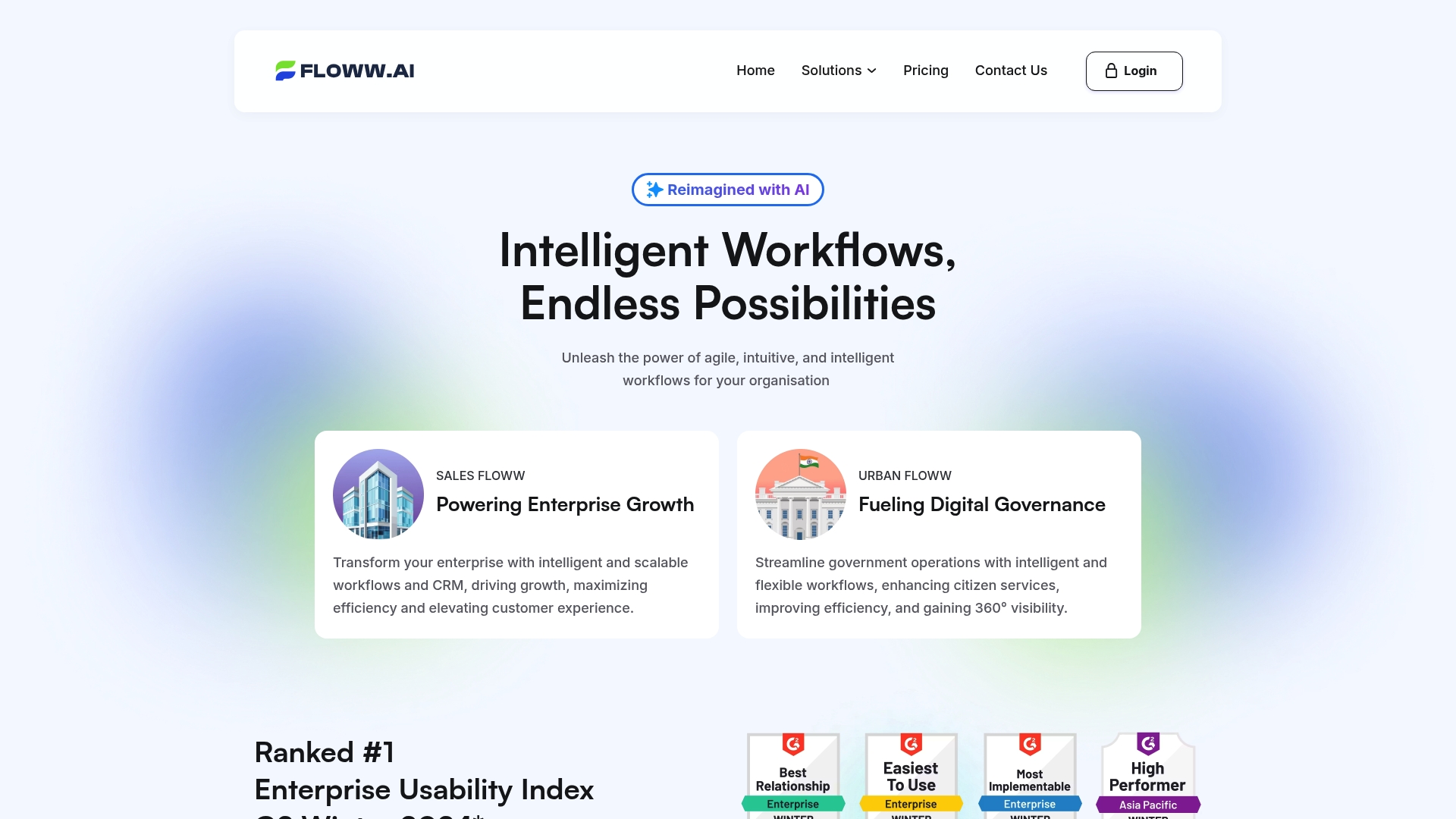
Floww.ai’s marketing materials state it ranked #1 in G2 Winter 2024. The platform combines a no code workflow builder with an AI co-pilot that answers questions about live data. Target users include large enterprises and government agencies that require configurable automation and analytics.
Core Features
The platform offers a no code builder for customizable workflows and modules for sales automation, lead assignment, follow up, and nurturing. It supports custom object creation and relationship management while exposing real time dashboards for multidimensional analysis. The Generative AI Co-Pilot enables natural language queries and suggests actions so teams do not wait on analysts.
Key Differentiator
Floww.ai centers its offering on a single interaction model that lets people query operational data in plain language and receive context aware suggestions. That natural language layer sits on top of live analytics, which makes reporting and decisioning faster for nontechnical stakeholders. The approach favors conversational data access over traditional dashboard chasing.
Pros
The platform scales to enterprise needs and supports complex object models that match large organizational processes. That ranking above is a vendor claim that signals enterprise usability and easy configuration for many admins. Integrations and open APIs allow technical teams to extend the platform, while the AI co-pilot reduces dependence on analysts for routine queries.
Cons
- The learning curve can be steep for nontechnical staff. Full customization often requires technical support or developer involvement.
- Initial setup and some integrations may need vendor or consultant assistance. That adds time before teams see value.
- Pricing follows a pay as you go model, which can become expensive for very high usage workloads.
- Extensive configuration options can overwhelm teams without dedicated onboarding or training resources.
When It May Not Fit
Organizations with small teams and no technical staff may struggle to deploy complex workflows quickly. Teams that need a plug and play solution with minimal configuration will find this platform heavyweight. If your budget cannot absorb variable usage costs, the pay as you go model may not match procurement needs.
Who It’s For
Large enterprises and government agencies that need a no code environment for complex process automation will get the most from Floww.ai. IT organizations that can allocate developers for initial integrations will unlock custom object relations and advanced analytics. Business units that want natural language access to live data will appreciate the co-pilot.
Real World Use Case
A government department automated routine citizen service tasks and set up real time reporting with Floww.ai. Staff used plain language queries to monitor case backlogs and adjust workflows during peak periods. The deployment increased operational transparency and improved citizen satisfaction without a costly BI project.
Pricing
Floww.ai uses scalable pricing with a pay as you go model and customizable options tailored to organizational needs. Vendor materials state there are no hidden costs, and final pricing depends on usage, modules selected, and integration complexity.
Website: https://floww.ai
WorkflowGen
At a Glance
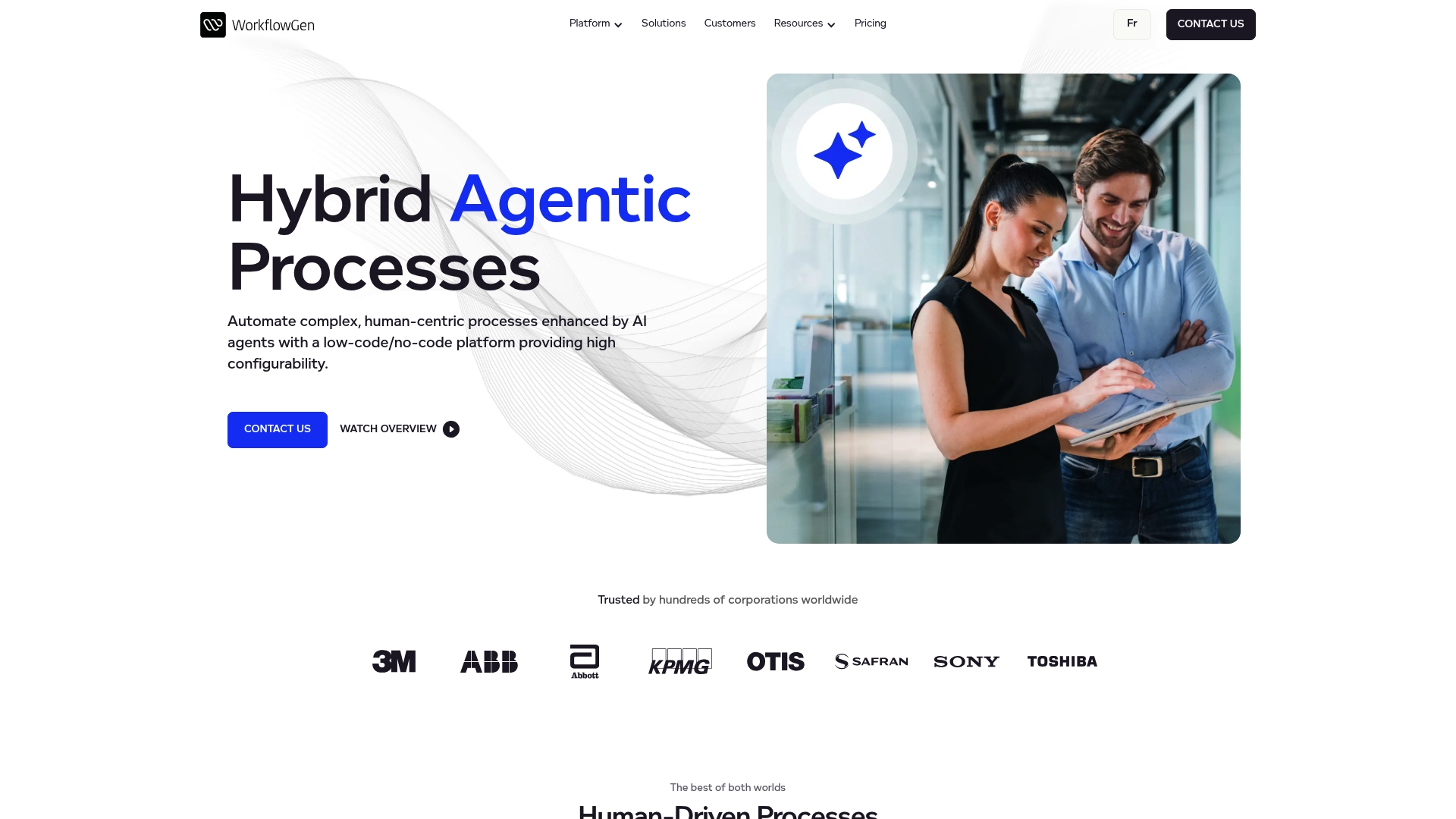
WorkflowGen reports deployment by over 500 organizations since 2003 and processing millions of requests daily. The platform mixes AI agents with human oversight to handle complex, human centric workflows across industries. That combination supports use cases from claims processing to supply chain monitoring.
Core Features
WorkflowGen delivers a low code and no code environment for designing processes and form-driven tasks, while letting teams add AI-augmented steps where helpful. It supports agent orchestration, so workflows can call AI models, route to human participants, and then return results to downstream systems. The product also includes participant management, detailed reporting, and connectors for enterprise systems.
Key Differentiator
The defining feature is the hybrid agentic approach that combines process orchestration, AI agents, and human review inside a single runtime. That model treats AI as a participant rather than a replacement, which suits complex decision work that needs audit trails. Compared with Goldenpathdigital, WorkflowGen focuses on running agentic workflows at scale rather than starting with dependency mapping before applying AI.
Pros
WorkflowGen offers a flexible enterprise grade low code environment and a clear path to embed AI into real work. It supports major enterprise platforms and APIs, including Microsoft 365, Salesforce, and OpenAI, which makes integration with existing systems straightforward. The vendor highlights strong security, compliance, and audit features, and that deployment history suggests maturity for large scale process workloads.
Cons
-
Onboarding and integration can be complex. Third party reviews mention a steep initial setup for some environments.
-
Pricing is custom and requires a contact for a quote. There is limited free or freemium access.
-
Smaller or less technical teams may face a significant learning curve during implementation.
When It May Not Fit
If your organization lacks internal technical resources or dedicated integration support, WorkflowGen may demand more vendor involvement than you want. If you need predictable, published pricing or a free tier for trialing at low cost, this product may not match that procurement model. Small teams seeking plug and play automation without customization will likely find the platform too heavyweight.
Notable Integrations
WorkflowGen connects to enterprise systems such as Microsoft 365, Azure Active Directory, Salesforce, and SAP, plus developer APIs like GraphQL API, webhooks, and custom APIs. Those integrations let teams exchange data with existing CRMs, identity systems, and ERP tools.
Who It’s For
Large enterprises that need configurable automation for human centric processes will get the most from WorkflowGen. Organizations that require audit trails, compliance controls, and mixed human AI decision paths will find the platform appropriate. Teams with internal developers or access to vendor professional services will speed deployment.
Real World Use Case
A telecommunications company used WorkflowGen to automate customer service ticket triage and escalation. The implementation combined AI classification with human review to reduce manual routing work. Integration with back end systems let the team close tickets faster while preserving audit logs.
Pricing
Pricing is tailored to each customer and requires contacting the vendor for a quote. Published free or freemium tiers are limited according to vendor statements. Expect enterprise licensing and implementation fees rather than a fixed self service price.
Website: https://workflowgen.com
aristaFlow BPM Software
At a Glance
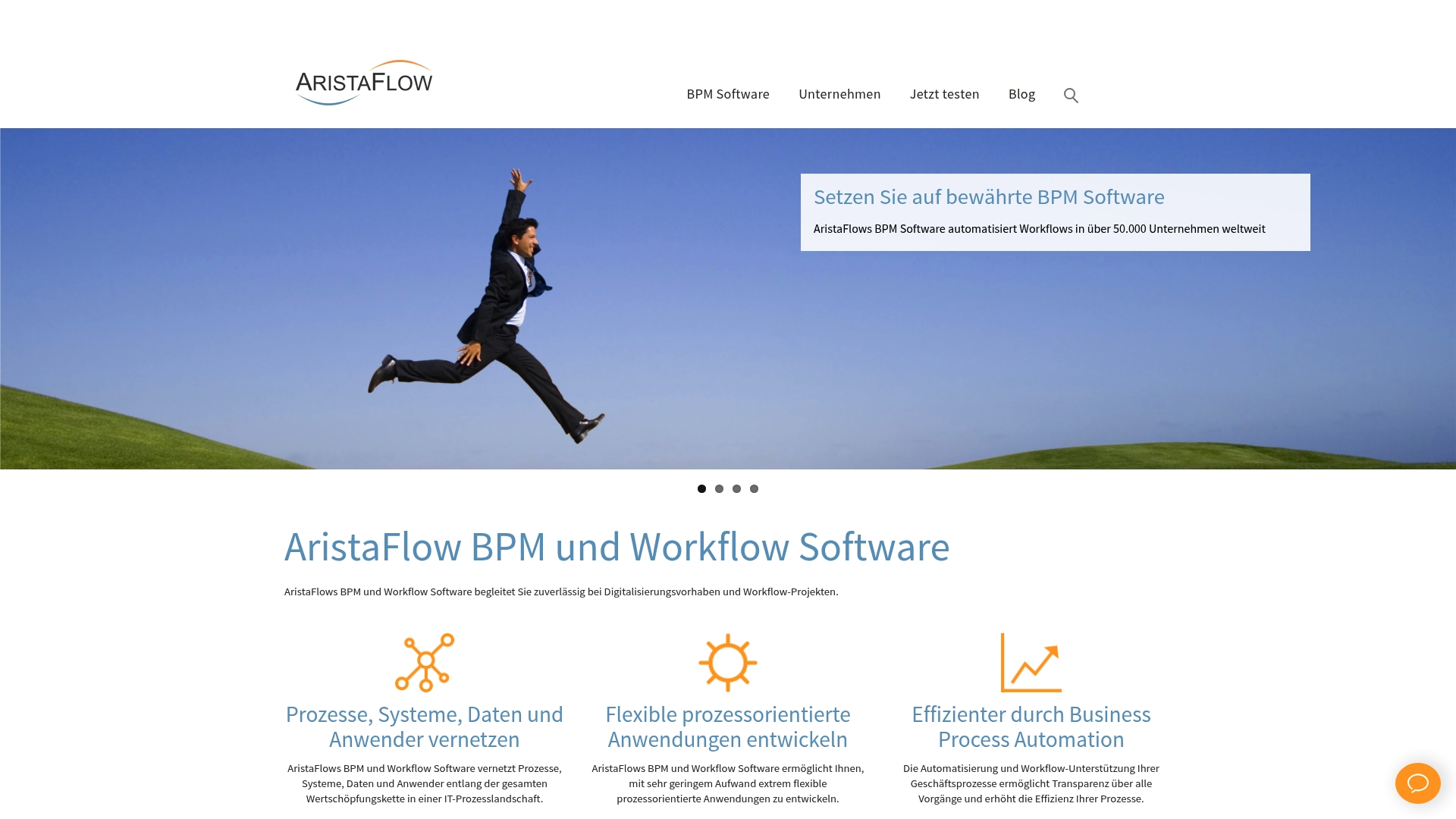
aristaFlow ships a modular, platform independent architecture with a workflow engine built for high throughput. It combines graphical BPMN process modeling with live monitoring so teams can design and watch processes in production. The suite also supports form driven human tasks without the need for coding.
Core Features
The suite provides graphical BPMN process modeling, automated workflow execution, and real time process monitoring in a single product. Integrations use Web Service, Java, and REST API endpoints so existing ERP, CRM, or Outlook systems can connect. Users can create forms and manage human tasks without programming while the engine handles large volumes of work.
Key Differentiator
aristaFlow’s modular, platform independent approach makes it easy to embed process automation inside existing applications while keeping the workflow engine separate. That modularity supports both technical development and business user configuration in parallel. The platform targets large, process heavy environments where integration into ERP and Outlook matters as much as raw throughput.
Pros
The product bundles modeling, execution, and monitoring so teams do not juggle separate tools for each lifecycle phase. Its workflow engine is described as highly scalable and can run complex end to end processes that touch ERP or custom line of business applications. The platform’s modular design reduces lock in when you need to extend or replace parts. Non developers can build and manage forms and human tasks which lowers reliance on IT for routine workflow updates.
Cons
- Configuration and advanced automation require training and subject matter expertise, which increases initial project effort.
- Higher tier editions and feature sets are priced toward larger deployments and could be costly for small organizations.
- Public user reviews are not directly available in the data, so buyer feedback is limited for independent validation.
When It May Not Fit
If your organization needs a plug and play workflow for a handful of simple processes, aristaFlow may feel heavyweight. Projects with tight budgets and no internal expertise will face longer onboarding and higher cost. Highly bespoke automations that require short turnaround on delivery may benefit from a simpler tool while your team gains experience.
Who It’s For
Mid market to large organizations with established IT teams and integration needs will get the most value. Teams that must connect ERP systems, Outlook, or custom business applications will appreciate the flexible integration options. It also suits process analysts who want BPMN modeling and non developers who need form driven tasks.
Real World Use Case
A company automated invoice intake and approval with aristaFlow, linking scanned documents to an ERP and routing approvals to controllers. The process reduced manual handoffs and made approval status visible to management. Finance and controlling staff gained direct process visibility for performance reporting.
Pricing
Pricing is available on request and varies by edition and project scope. Costs depend on deployment scale, required integrations, and whether you choose on prem or enterprise licensing.
Website: https://aristaflow.com
Pega Platform
At a Glance
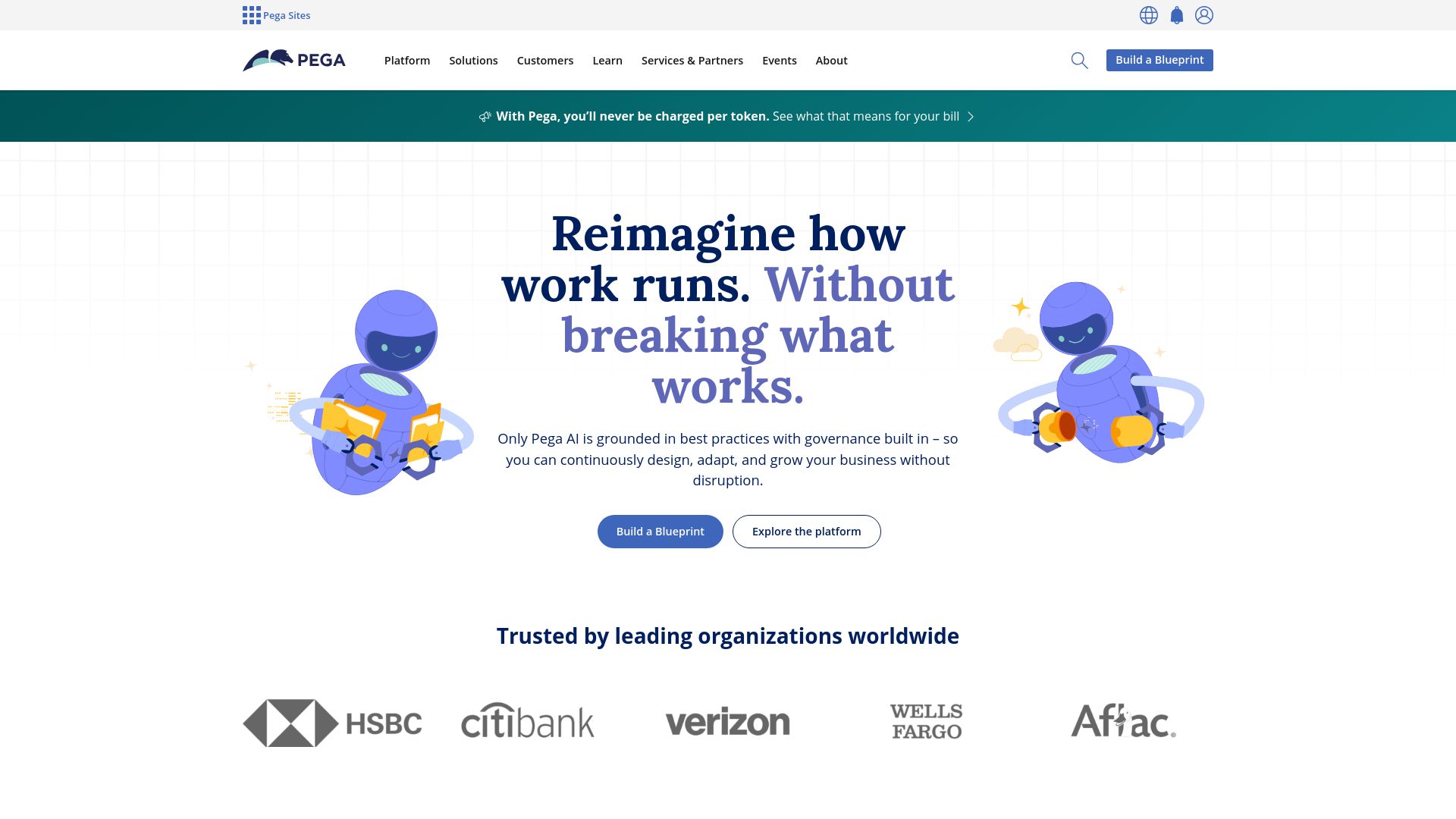
According to the company, HSBC reduced onboarding time by 76% after deploying Pega Platform. That vendor claim highlights how Pega targets large, process-heavy operations with measurable automation goals. The product combines low code development, robotic process automation, and real-time AI to support enterprise application needs.
Core Features
Pega Platform provides low code application development alongside robotic process automation and case management. It includes a Business Process Management layer and an AI decisioning engine that ties real-time predictions to workflows. Customer engagement and journey visualization tools help teams map interactions and act on them from a single environment.
Key Differentiator
Pega’s primary distinction is its focus on governance and embedded best practice frameworks. Those frameworks let teams change processes with guardrails for compliance and repeatability. That focus reduces ad hoc design decisions and helps maintain control as applications scale.
Pros
Pega builds governance into the development lifecycle, which shortens review cycles and reduces rework for regulated teams. Its integration options cover many enterprise adapters and APIs, enabling connection to multiple data sources. The platform’s automation features are designed for complex processes and customer interactions, which suits organizations that need both operational control and customer centricity.
Cons
- Limited public pricing: pricing and licensing details are not disclosed, which complicates early budget planning.
- Steep learning curve: platform complexity means teams will likely need specialized training and experienced implementers.
- Legacy integration risk: projects with many nonstandard or highly customized legacy systems may face integration challenges.
When It May Not Fit
Pega is not a good fit for small teams with tight fixed budgets because pricing transparency is limited. Organizations lacking staff with enterprise automation skills will struggle with setup and maintenance. Projects that require rapid, simple automations without governance overhead should consider lighter tools instead.
Who It’s For
Enterprises and large organizations that require a unified platform for low code automation, case management, and AI decisioning. Regulated industries such as banking and healthcare will find the governance features valuable. Teams that plan multiyear process transformation programs and can invest in skilled implementers will capture the most value.
Real World Use Case
HSBC used Pega to automate onboarding and compliance workflows, and the vendor reports a 76% reduction in onboarding time. That figure reflects a shift from manual review to automated decisioning and case routing. The result freed compliance staff to focus on exceptions rather than routine checks.
Pricing
Pega does not publish standard pricing or public licensing tiers. Enterprises should expect custom quotes based on deployment scale, modules, and support levels. Contact sales for a tailored estimate and a discussion of licensing models.
Website: https://pega.com
Comparison of alternatives
Goldenpathdigital.com provides structured workflow automation prioritizing dependency mapping, contrasting with alternatives that emphasize rapid deployment or tailored AI assistance. While competitors shine in specific areas such as user-centric workflow creation or high-throughput automation setups, the choice largely depends on the scenarios presented.
Targeting Regulated Industries
Goldenpathdigital.com’s strengths lie in its architectural decisions enabling compliance and safeguarding sensitive data. By establishing fundamental dependency maps upfront, the platform reduces risk in regulated industries such as government agencies and healthcare.
8Flow differs by emphasizing rapid case-note automation for clear ROI scenarios. For organizations seeking quick operational insights and cross-platform integration without focusing on air-gapped setups, 8Flow succeeds with semantic data layering absent from Goldenpathdigital.com.
Customizable User Origins and Process Interaction
WorkflowGen addresses complex human-AI workflows with effective orchestration and participant management. This hybrid model caters to industries that demand mixed decision-making and audit-worthy trails, something smaller or fast turn-around setups may not find efficient.
Meanwhile, Goldenpathdigital.com maintains an advantage for teams requiring pre-mapped system dependencies to limit failures from unexplored code changes or inconsistencies in older environments.
Best fit
- Enterprises needing IBM i modernization with AI and strict data control will find value in Goldenpathdigital.com’s rules-based architecture.
- Large teams requiring semantic analysis and automation of existing tasks benefit from 8Flow’s quick operation visibility tools.
- Organizations focused on modular BPMN process modeling and flexible integration techniques are well serviced by aristaFlow BPM Software.
- Deployment requiring mixed human-AI workflows and participant orchestration sees WorkflowGen as a suitable choice.
Our pick
Goldenpathdigital.com excels for enterprises prioritizing data control and model-agnostic AI in regulated tasks, driven by its dependency-first workflow mapping and versatile deployment options. However, organizations employing advanced semantic tools or user-driven interaction may prefer alternatives like 8Flow or WorkflowGen, respectively.
The following table compares workflow automation software emphasizing Goldenpathdigital’s architecture designed for regulated enterprises.
| Product | Key Differentiator | Best For | Pricing | Notable Limitation |
|---|---|---|---|---|
| Goldenpathdigital | Model agnostic AI within air gapped privacy-first environments | Enterprises and agencies | Price not published | Primarily focuses on large organizations, less suitable for small firms |
| 8Flow | Semantic layer for ranked automation opportunities | Security-conscious teams | Price not published | Depends on metadata collection; may not capture all sensitive data |
| Floww.ai | No code builder with AI co-pilot for conversational data insights | Large enterprises | Price not published | Advanced configuration requires technical support |
| WorkflowGen | Hybrid low code and AI orchestration within enterprise workflows | Complex human-centric tasks | Price not published | Initial setup demands significant technical expertise |
| aristaFlow BPM Software | Modular automation engine supporting high-throughput tasks | Organizations needing ERP integration | Price not published | Smaller teams may face burdensome setup requirements |
| Pega Platform | Governance-focused low code automation for regulated industries | Enterprises and banking | Price not published | Limited pricing transparency complicates budget planning |
How to Choose the Best Automation Workflow Tools for Complex Legacy Systems
Many enterprises and government agencies managing IBM i RPG or large PHP codebases face challenges in applying AI while controlling data risk. Goldenpathdigital addresses these concerns with a structured approach that creates dependency maps before applying AI automation. This method lowers the risk of unintended breaks and reduces costly consulting by clarifying upgrade priorities. Their suite also supports air gapped, model agnostic AI deployments that protect sensitive information within secure environments.
Goldenpathdigital combines code modernization tools like AS/Forward and Laravel Ascend with QuantaPath AI’s workflow automation, offering a complete solution for moving legacy systems forward while increasing operational efficiency and marketing visibility. Learn how your team can reduce risk and gain control by visiting Goldenpathdigital and see how you can begin mapping dependencies and staging upgrades with confidence.
FAQ
How does Goldenpathdigital support air gapped environments for automation?
Goldenpathdigital enables model agnostic AI inside air gapped networks while ensuring enterprise-grade security. Its architecture is designed for regulated environments, making it practical for organizations that need to maintain data control. Consider Goldenpathdigital if your team requires a secure solution for AI deployment without compromising data privacy.
What is the difference between Goldenpathdigital and Pega Platform?
Pega Platform focuses on governance and embedded best practice frameworks, which help maintain control as applications scale. In contrast, Goldenpathdigital prioritizes dependency mapping before applying automation, reducing the risk of unforeseen code issues. Evaluate Goldenpathdigital if your organization emphasizes code modernization while keeping sensitive data secured.
Which platform offers a structured, rules-based approach to automation?
Goldenpathdigital features a structured, rules-based workflow that creates dependency maps before automation or AI is applied. This ordering minimizes unseen code risks and supports targeted refactor planning. Opt for Goldenpathdigital to benefit from this meticulous approach when dealing with legacy systems.
Does Goldenpathdigital provide tailored pricing for its services?
Goldenpathdigital does not publish standard pricing; engagements are tailored based on the scope, deployment model, and regulatory requirements. Prospective customers can expect costs that reflect their unique needs, making Goldenpathdigital a flexible option for enterprises facing specific challenges.
Can Goldenpathdigital assist with legacy code modernization?
Goldenpathdigital combines modernization tools with AI for efficient legacy code remediation. Its focus on moving legacy code forward while maintaining data control is a significant advantage for teams needing to update outdated systems. Explore Goldenpathdigital if your organization is looking to modernize legacy applications securely.
Recommended
- Automated Laravel Upgrades: The Professional Guide
- Best Laravel Upgrade Tools: Shift, Rector and More
- Manual vs Automated Laravel Upgrades: When to Switch
- Custom Software Development | Golden Path Digital
Article generated by BabyLoveGrowth
For a wider list, our top 10 picks for 2026 answer what are the best platforms for intelligent workflow automation at scale?
If you need audit workflow automation software, see how mapping dependencies first produces evidence your auditor can check.