

Navigating Laravel Upgrade Challenges: Expert Solutions for Common Pitfalls
Upgrading Laravel can surface intricate dependency conflicts, disruptive changes, and security vulnerabilities that impede progress and stability. This guide unpacks common Laravel upgrade challenges and offers practical solutions for Composer issues, database migration hurdles, deprecated features, frontend transitions, PHP compatibility, and security gaps. You’ll gain insights into diagnosing root causes, implementing best practices, and utilizing tools to streamline your migration. We’ll explore frequent upgrade obstacles, demonstrate essential commands and strategies for resolving dependency conflicts, outline safeguards for your database schema, address breaking API changes, explain frontend build tool shifts, and highlight critical version requirements. Throughout this walkthrough, we’ll illustrate how Golden Path Digital’s custom software development and business strategy consulting can accelerate your project’s success through robust planning, secure hosting, and performance optimization.
What Are the Most Common Problems Encountered During Laravel Upgrades?
Laravel upgrades frequently trigger compatibility errors, migration failures, deprecated feature breaks, frontend build misalignments, and PHP version mismatches. Identifying these issues early is key to preventing downtime and accumulating technical debt.
Which Composer Dependency Conflicts Cause Upgrade Failures?
Composer dependency conflicts arise when package version requirements clash with the new Laravel release. These conflicts typically manifest as unmet dependencies or version overlaps. For instance, an older authentication package might mandate Laravel 8, while your core application requires Laravel 12. Resolving these issues involves carefully examining your constraints and aligning package versions.
How Do Database Migration Errors Impact Laravel Upgrades?
Database migration errors can bring the upgrade process to a standstill, either by failing to apply schema changes or by preventing proper rollbacks. Common problems include missing foreign key constraints, incompatible column types, and potential data loss. When a migration fails without a robust rollback strategy, it can jeopardize your production data. Planning pre-upgrade backups and staging migrations significantly mitigates this risk.
Database Migration Best Practices for Upgrading Legacy Laravel Applications
The research examines database migration as a crucial process for upgrading outdated applications through a comprehensive evaluation. The paper explains essential terms while discussing the reasons behind complex projects and describes both the various obstacles and potential dangers that exist. The report utilizes existing literature and industry insights to present multiple migration strategies, focusing on best practices for pre-migration planning and execution, as well as post-migration validation phases. The research provides IT architects and decision-makers with a comprehensive framework for executing database migrations, protecting data integrity, and minimizing system disruptions to achieve the full benefits of a modern system
Migrating Databases: Best Practices For Upgrading Legacy Applications, 2024
What Breaking Changes and Deprecated Features Affect Laravel Versions?
Laravel frequently deprecates methods or restructures core components between major versions. Examples include the removal of helper functions, renaming of middleware, or changes in event dispatch signatures. If your legacy code relies on these deprecated APIs, it will likely break at runtime. Refactoring outdated calls and consulting the official upgrade guides are essential for ensuring compatibility.
How Do Frontend Tech Stack Transitions Create Upgrade Challenges?
Migrating from Laravel Mix and Webpack to Vite introduces significant differences in asset compilation, module resolution, and plugin configurations. Projects utilizing Vue 2 or older React setups might experience broken hot module replacement or missing polyfills. Updating your build scripts and adapter plugins is crucial to align your frontend pipeline with Laravel 12 conventions.
Why Is PHP Version Compatibility Critical for Laravel Upgrades?
Laravel 12 requires PHP 8.2 or higher to leverage advanced syntax, attributes, and performance enhancements. Running on an unsupported PHP version will lead to fatal errors. Ensuring your server environment meets the PHP requirement and updating PHP-FPM or OPCache parameters is a critical prerequisite before initiating the Laravel update.
A thorough understanding of these core issues will equip your team to tackle specific troubleshooting steps in the following sections, paving the way for a smoother modernization journey.
How Can You Diagnose and Resolve Composer Dependency Issues in Laravel Upgrades?
Diagnosing Composer conflicts begins with executing commands that reveal version mismatches and intricate dependency chains. A well-defined strategy for managing and will streamline package alignment.
What Commands Help Identify and Fix Composer Package Conflicts?
Running is instrumental in identifying packages that are blocking your Laravel upgrade path. The command attempts to update all packages to compatible versions, while lists packages that are behind the latest releases. These commands effectively expose the problematic packages and suggest viable upgrade paths.
How to Manage composer.json and composer.lock for Smooth Upgrades?
Maintaining a clean involves setting flexible version constraints (e.g., using caret notation) and removing any abandoned or obsolete packages. After adjusting your constraints, delete and the directory, then execute to regenerate a coherent lockfile. Committing the updated file ensures consistency across all your development environments.
When Should You Use Automated Tools Like Laravel Shift for Dependency Resolution?
Automated upgrade services such as Laravel Shift are exceptionally effective at applying bulk changes to , updating method references, and generating pull requests with refactored code. Teams managing extensive legacy codebases can significantly benefit from Shift’s AI-driven patterns to resolve hundreds of deprecations rapidly, saving valuable time and minimizing manual errors.
Implementing these diagnostic commands and management practices will reduce dependency friction and establish a solid foundation for a stable Laravel upgrade.
What Are Best Practices to Prevent and Fix Database Migration Failures?
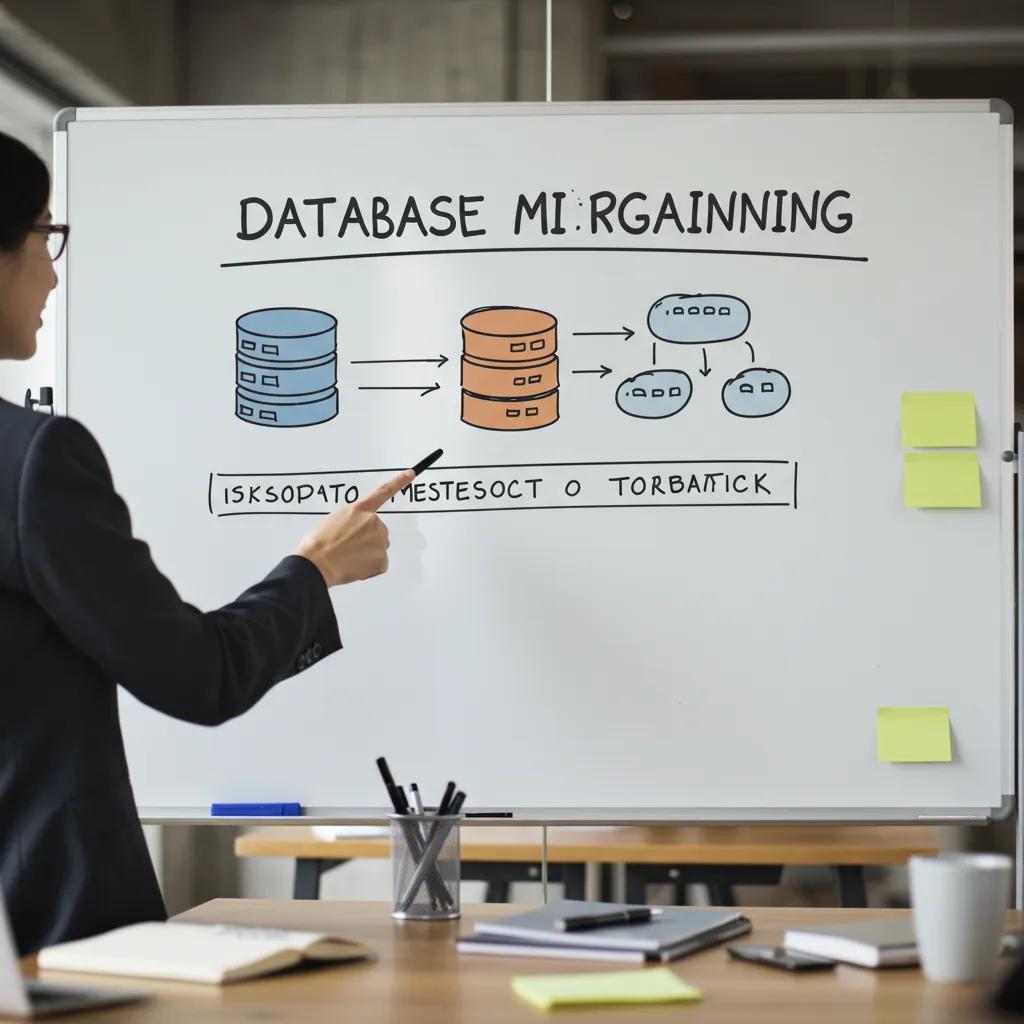
Proactive migration planning, rigorous schema version control, and well-defined rollback strategies are essential for preventing disruptions during Laravel updates. A disciplined approach ensures data integrity and facilitates seamless schema evolution.
How to Plan and Backup Database Schema Before Upgrading Laravel?
Before initiating any migrations, it’s crucial to export a complete database dump and archive it securely offsite. Utilize tools like for consistent snapshots or leverage Laravel’s native backup packages. Document your existing schema thoroughly and verify your backups by restoring them to a staging environment. Preparing Entity-Relationship Diagrams (ERDs) of your table relationships will help anticipate potential foreign key constraints.
What Are Common Foreign Key and Data Integrity Issues During Migration?
Errors such as often arise from mismatched column types or missing indexed parent keys. Similarly, attempting to insert null values into non-nullable columns will break migrations. Validating column definitions against your migration blueprint and adding default values or nullable modifiers are effective ways to resolve these conflicts.
How to Use Artisan Commands and ERD Diagrams to Manage Migrations?
Artisan commands like allow you to simulate the migration process without applying any changes, thereby revealing potential failures beforehand. Leveraging ERD diagrams is invaluable for visualizing table relationships and identifying indexing requirements. If a migration fails, can revert the last batch. Combining insights from diagrams with rollback commands helps maintain consistency.
Adopting these best practices will effectively mitigate common database migration pitfalls and foster more reliable upgrade processes.
How to Address Breaking Changes and Deprecated Features in Laravel Upgrades?
Identifying deprecated functions and refactoring legacy code is paramount as core framework APIs evolve. A systematic audit ensures that no outdated code remains in your application.
What Are Key Deprecated Features from Laravel 5.x to 12?
Across Laravel versions from 5.x to 12, numerous changes have occurred. Helper functions like and have been removed, route middleware syntax has shifted, and event listeners now require explicit type hints. Authentication scaffolding has transitioned from being built-in to utilizing starter kits. Recognizing each of these changes is crucial to prevent runtime errors.
How to Identify and Refactor Legacy Code for Compatibility?
Static analysis tools such as Rector PHP and PHPStan can efficiently scan your codebase for deprecated method calls and type inconsistencies. Once identified, refactor calls to utilize the new methods, update middleware definitions, and replace outdated helper usages with their corresponding facade or class-based equivalents.
Where to Find Official Laravel Upgrade Guides and Documentation?
Laravel’s official upgrade guide, available on the framework’s documentation site, meticulously outlines version-to-version change sets, deprecations, and recommended migration steps. Consulting the upgrade documentation for each minor release ensures comprehensive coverage of every breaking change and helps prioritize your refactoring efforts.
By rigorously auditing and refactoring your code, your team can align your application with the latest Laravel architecture and effectively avoid hidden compatibility traps.
How Do Frontend Technology Changes Affect Laravel Upgrade Success?
Modernizing your frontend build tools and JavaScript frameworks is an integral part of a comprehensive Laravel upgrade. Adjustments to your asset pipeline can profoundly influence your application’s stability and your development team’s workflow.
What Issues Arise When Migrating from Webpack Mix to Vite?
Webpack Mix configurations often embed versioning, plugins, and asset pipelines specific to Webpack. Transitioning to Vite necessitates rewriting build scripts, adjusting asset import paths, and installing Vite-specific plugins. Without updating asset references, compiled files may fail to load, or hot module replacement might cease to function.
How to Handle Vue 2 to Vue 3 or React Integration During Upgrades?
Upgrading Vue 2 projects to Vue 3 involves replacing deprecated lifecycle hooks, updating component API syntax, and integrating the composition API plugin. For React integration, ensure your Babel and ESLint configurations properly support JSX and React 18 features. Installing official adapter packages will align your JavaScript framework with Laravel’s approach to server-side rendering and client components.
What Are Recommended Strategies for Frontend Refactoring in Laravel 12?
Begin with a stepwise upgrade of minor versions, meticulously testing asset compilation at each stage. Maintain parallel configurations to allow for fallback if Vite migrations introduce issues. Leverage Laravel’s official Vite plugin for asset versioning and enable Fast Refresh. This iterative approach ensures your frontend pipeline remains functional throughout the entire upgrade process.
Modernizing your frontend stack in tandem with your PHP code will stabilize the user interface and enhance the overall developer experience.
What Security Vulnerabilities Must Be Addressed During Laravel Upgrades?
Security vulnerabilities often emerge when older Laravel versions expose known Common Vulnerabilities and Exposures (CVEs). Incorporating patches and maintaining continuous monitoring are crucial for protecting your applications and data integrity.
How Do Recent CVEs Like CVE-2024-52301 Impact Laravel Applications?
, for instance, permitted the unauthorized execution of certain chained requests in Laravel versions up to 11.30.9. Applications that have not upgraded to 11.31.0 remain susceptible to privilege escalation. Remediating this CVE requires updating the framework and implementing robust middleware integrity checks.
What Are Best Practices for Applying Security Patches and Updates?
Implement automated dependency monitoring tools that provide immediate alerts on new CVE disclosures. Schedule routine composer updates in your development and staging environments, thoroughly validate patches, and then deploy them to production. Integrate patch management directly into your CI/CD pipeline to enforce security compliance before merging any code.
How to Maintain Ongoing Security Monitoring Post-Upgrade?
Following your upgrade, deploy intrusion detection systems, vulnerability scanners, and comprehensive log monitoring to identify and address emerging threats. Regularly review security advisories from PHP.net and CVE databases. A robust audit trail and proactive alerting system will ensure a rapid response to any future vulnerabilities.
Prioritizing security throughout your upgrade process is essential for safeguarding your applications against data breaches and protecting your organization’s reputation.
What Proactive Strategies Ensure a Smooth and Successful Laravel Upgrade?
A proactive upgrade readiness assessment, incremental version updates, and strategic performance optimization are key to reducing risks and streamlining your migration process.
How to Conduct a Laravel Upgrade Readiness Assessment?
Begin by conducting a thorough audit of your current dependencies, PHP version, and the complexity of your custom code. Utilize static analysis tools to gauge compatibility, map out deprecated features, and estimate the required refactoring effort. This assessment will provide a clear roadmap, including estimated timelines, necessary resources, and potential impacts.
Why Are Incremental Upgrades and Robust Testing Essential?
Upgrading one minor version at a time significantly reduces complexity and allows for the rapid isolation of any issues that arise. Comprehensive unit, integration, and browser tests are vital for validating core functionality after each incremental step. This methodical approach ensures the early detection of regressions and facilitates smoother rollbacks if necessary.
When Should You Seek Expert Assistance for Complex Laravel Upgrades?
Engaging Golden Path Digital’s custom software development and business strategy consulting services becomes critical for enterprise-scale applications that demand minimal downtime, extensive code refactoring, and strict adherence to secure hosting compliance. Their AI-driven planning and data privacy expertise are invaluable for guiding seamless modernization efforts.
How to Optimize Laravel Performance After Upgrading?
Post-upgrade performance tuning amplifies the benefits derived from the latest framework features.
| Caching Strategy | Parameter | Impact |
|---|---|---|
| Route Cache | php artisan route:cache | Accelerates route resolution by up to 50% |
| Config Cache | php artisan config:cache | Reduces configuration load time by 30% |
| Application Cache | Redis driver | Improves repeated query response time |
What Caching Strategies Improve Application Speed?
Configuring in-memory cache drivers, optimizing route registration, and leveraging opcode caching can dramatically reduce your application’s execution overhead.
How to Optimize Database Queries and Server Environment?
Analyzing slow queries with Laravel Telescope and implementing appropriate indexes will enhance database throughput. Fine-tuning PHP-FPM, enabling OPCache, and adjusting NGINX buffer settings will further maximize your application’s responsiveness.
These proactive strategies are instrumental in building a resilient and high-performance Laravel stack that is well-prepared for future growth. Smooth upgrades hinge on meticulous planning, vigilant testing, and strategic performance tuning. By combining technical best practices with expert guidance, organizations can achieve scalable, secure, and efficient Laravel applications. Continuous monitoring and incremental improvements ensure that every update reinforces stability and fosters ongoing innovation.